A roofing CRM is the one place where every lead, quote, job, photo and payment for your roofing business lives. Instead of chasing details across texts, sticky notes, spreadsheets and your memory, you open one app and see who called, what you quoted, who is on which roof and who still owes you money.
If you are a roofer thinking about getting a CRM for the first time, or you are tired of the one you have, this guide walks through what a roofing CRM actually does, the features that matter on a real job, the ones you can ignore, and how to pick the right one for the size of your crew.
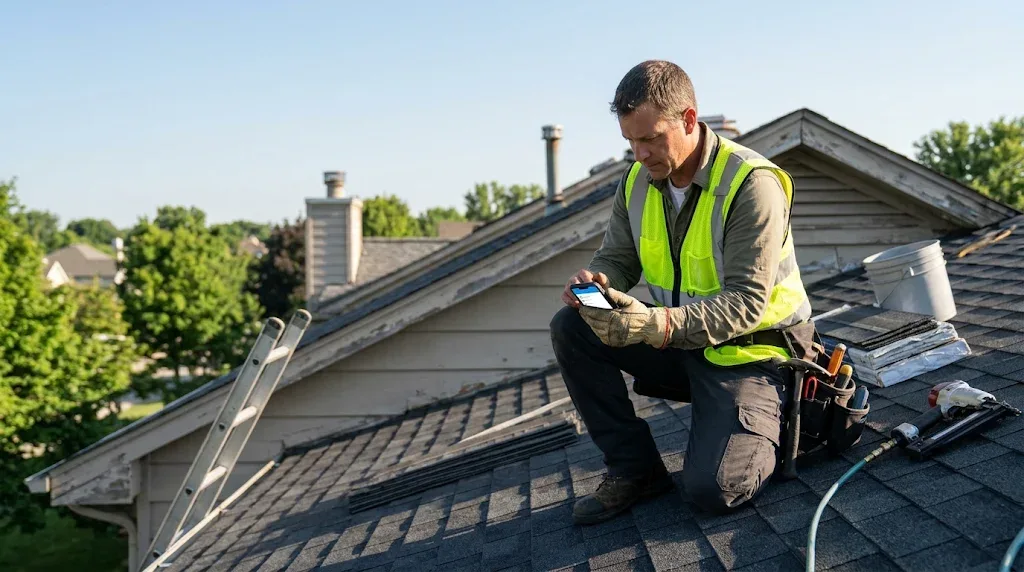
What is a roofing CRM?
CRM stands for customer relationship management. A roofing CRM is software built around the way roofing companies win and deliver work. It keeps a record for every customer and property, tracks each lead from first call to paid invoice, and keeps your office, sales reps and crews looking at the same information.
A general CRM made for office sales teams can store contacts. A CRM for roofers goes further. It understands inspections, insurance claims, roof photos, material orders, work orders for crews and jobs that move through stages like inspection, estimate sent, approved, scheduled and completed.
Signs your roofing business needs a CRM
- Leads come in from your website, Google, Facebook, door knocking and referrals, and some of them are never called back.
- Quotes go out but nobody follows up, so jobs you could have won go to the roofer who rang twice.
- Roof photos live on five different phones and you cannot find the before shots when the insurance adjuster asks.
- Your crew turns up without the right address, the gate code or the scope of work.
- You only find out a job was finished when the customer calls to ask for the invoice.
- You have no idea which lead source actually brings in paying work.
If two or more of those sound familiar, a roofing CRM will pay for itself quickly. Missing one roof replacement a month usually costs far more than a year of software.
Features that matter in a roofing CRM
1. Every lead in one place, with a clear status
Every enquiry should land in the CRM as a customer with a status such as lead, contacted, inspection, estimate sent, sold, in progress, completed or lost. A board view where you drag customers between stages makes it easy to see what needs attention today. Look for a "days in status" count so you can spot leads that have gone cold.
2. Fast follow up
Speed wins roofing jobs. The best CRMs create a call task automatically when a new lead arrives and remind you to chase quotes after a few days. Some can text a customer back straight away when you miss their call, so they do not ring the next company on Google.
3. One customer page with everything on it
You should be able to open a customer and see their contact details, address with directions, insurance details, notes, calls, texts, emails, jobs, tasks, documents and photos without clicking through five different screens. This is the feature that saves the most time every single day.
4. Photos taken straight from the roof
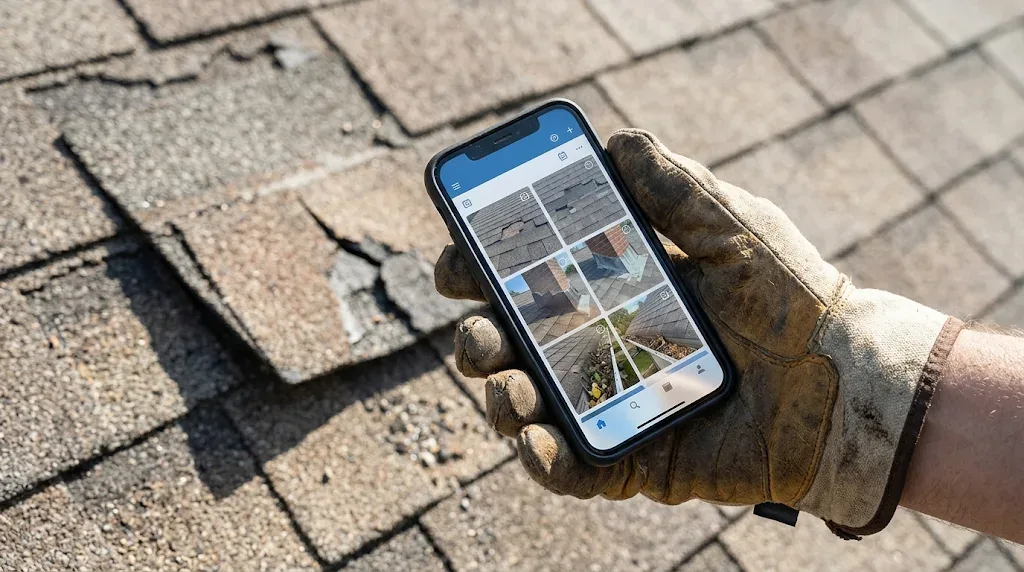
Roofing runs on photos. Your CRM should let anyone on the team take photos on site with their phone, shrink them so uploads are quick on mobile data, sort them into categories like before, damage, during and after, and download them all in one go when you need to send them to an adjuster or a customer.
5. Insurance claim tracking
If you do storm and insurance work, you need fields for the carrier, claim number, date of loss, type of damage, adjuster contact details and the money side: deductible, ACV, RCV, depreciation and supplements. Being able to see the claim status at a glance stops jobs getting stuck.
6. Jobs, scheduling and a shared calendar
Once a customer says yes, the CRM should turn the deal into a job with a type (repair, replacement, inspection, gutters and so on), dates, scope of work and a crew. A calendar with a colour for each person and a day, week and month view lets the office see who is where. Crew members should get an alert when they are assigned.
7. A simple app for your crew with no prices on it
Your crew and subcontractors need the address, the customer's phone number, the scope and a place to upload photos and notes. They do not need to see your contract price, your margins or your insurance numbers. Check that the CRM hides money from field users properly, on the server, not just on the screen.
8. Estimates, invoices and payments
Many roofing CRMs let you build estimates from saved items, send them for signature, turn them into invoices and work orders in one click and record payments, including checks and card payments. If you take card payments, look for an option to add the card fee to the customer's total.
9. Reports that show what makes money
At minimum you want to know how many leads came in, how many you won, which sources they came from and how long jobs sit in each stage. That tells you where to spend your marketing money.
Features you can probably skip at first
Big roofing platforms come packed with extras like aerial measurements, complex territory mapping and heavy marketing automation. They can be useful for large companies, but they also come with long setup, training and high monthly bills. If you run a small crew, start with the basics above, get your team using it every day, and add extras later.
How to choose the right CRM for roofers
- Count your users. A sole trader needs something very different from a company with an office, sales reps and three crews. Check how pricing changes as you add people.
- Try it on your phone first. If it is awkward on a phone, your crew will not use it, and a CRM nobody updates is worse than no CRM.
- Bring your existing customers with you. Make sure you can import a spreadsheet or an export from your old system so you do not start from zero.
- Check who can see what. Set up a test crew member and make sure they only see their own jobs and no prices.
- Look at the real monthly cost. Add up the plan, extra users, setup fees and any add ons. Watch out for long contracts.
- Ask for a demo with your own workflow. Walk through one real job from first call to final invoice and see how many clicks it takes.
Roofing CRM vs spreadsheets and notebooks
A spreadsheet is free and fine for your first handful of jobs. The problems start when several people need the same information at the same time, when photos and notes need to sit next to the customer, and when you need reminders. A roofing CRM gives you all of that, works from any phone and keeps a full history of every customer, which matters when warranty and insurance questions come up years later.
How Leadival helps roofers
We built Leadival for small and growing roofing companies that want the important parts of a roofing CRM without the bloat. You get a lead board, a customer page with everything on it, insurance claims, multiple properties per customer, jobs with crew assignment, a shared colour coded calendar, photo uploads from the roof and a crew app that never shows prices. New leads get a call task automatically and finished jobs get an invoice reminder.
Plans start with a low first month offer so you can try it properly with your own jobs. If you want to see it with your workflow first, book a demo with our team.
Frequently asked questions
What is the best CRM for roofers?
The best CRM for roofers is the one your whole team will actually use every day. For most small roofing companies that means a simple mobile app with a lead board, one page per customer, photo uploads, insurance claim tracking, scheduling and a crew view without prices. Larger companies may need extras such as aerial measurements and advanced reporting.
How much does a roofing CRM cost?
Prices vary a lot. Simple roofing CRMs for small teams can cost a few tens of dollars or pounds a month, while large all in one platforms often charge per user and can run into hundreds or thousands a month once setup and add ons are included. Always check the cost per extra user.
Do I need a CRM if I am a one man roofing business?
Yes, if you lose track of leads or forget to follow up on quotes. A solo plan keeps every enquiry, quote and photo in one place on your phone, so you look professional and win more of the work you already pay to attract.
Can my crew use the CRM without seeing prices?
In a good roofing CRM, yes. Crew members and subcontractors should only see the jobs they are assigned to, with the address, phone number, scope and photos, and never the contract value or insurance figures.
Can I move my customers from my old roofing software?
Most roofing CRMs let you import customers from a spreadsheet. Leadival can import a CSV export from systems like JobNimbus and spreadsheets, matching names, phones, emails and addresses automatically.